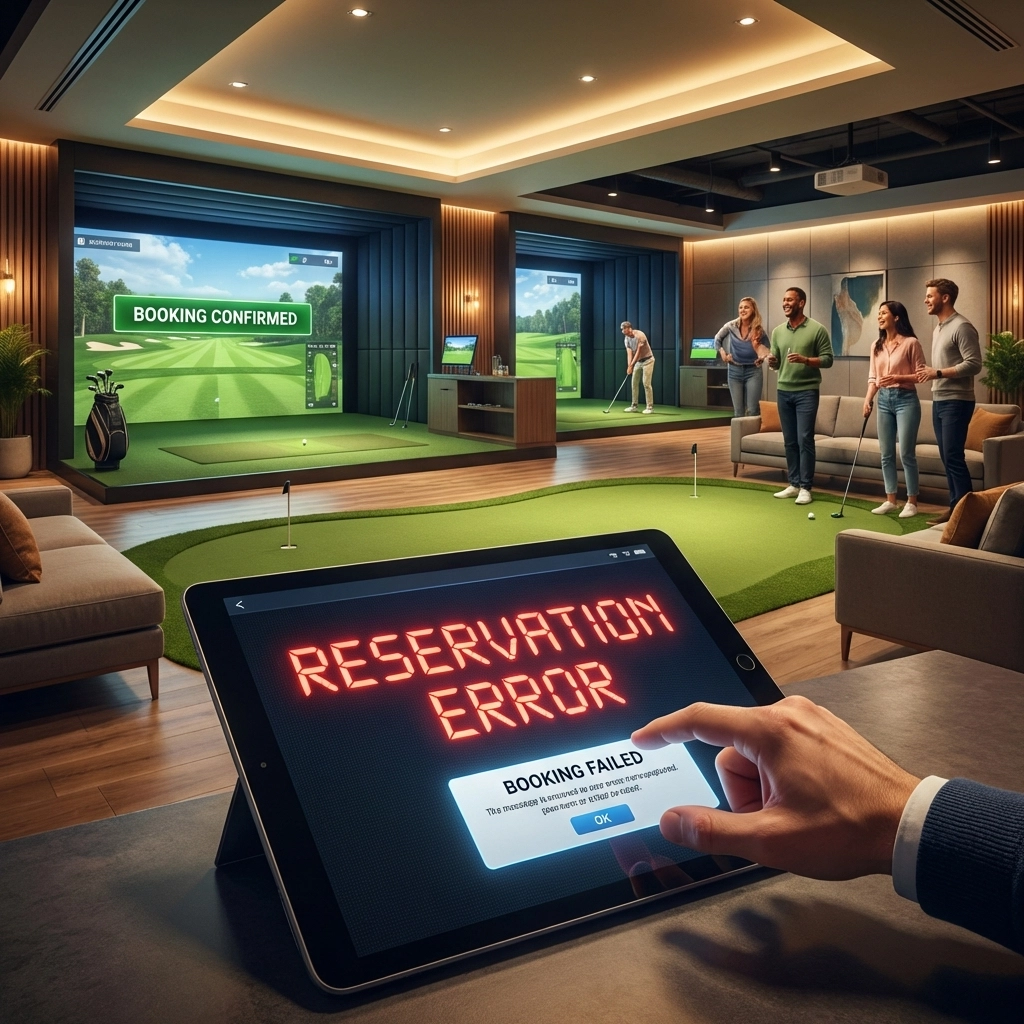
Your customer is standing in line at the coffee shop. They just got a text from their buddy: "Simulator tonight?" They pull out their phone, tap your website, and wait. And wait. The page finally loads, but the booking calendar is cut off. They pinch and zoom, accidentally tap the wrong time slot, and now they're frustrated before they've even started.
What happens next? They close the tab and book somewhere else.
This scenario plays out thousands of times every day at indoor golf facilities across the country. And if your booking page isn't built for mobile, you're losing revenue without even knowing it.
The Numbers Don't Lie: Mobile Is Where Bookings Happen
Here's a stat that should make every facility owner sit up straight: 60% of golf course bookings now happen on smartphones. Not desktops. Not tablets. Phones.
Your customers aren't sitting at home on their laptops, carefully planning their simulator sessions days in advance. They're booking on the fly: during lunch breaks, while waiting for appointments, or in the middle of a group chat deciding what to do tonight.
If your booking system doesn't work seamlessly on a 6-inch screen, you're essentially turning away more than half of your potential customers before they even get through the door.

Why Customers Abandon Non-Mobile-Friendly Booking Pages
Let's break down exactly what's happening when someone tries to book on your non-optimized site.
Slow Load Times Kill Conversions
Mobile users aren't patient. They're multitasking, they're distracted, and they have about a dozen other things competing for their attention. Research shows that a delay of just one second can reduce conversion rates by 7%.
Think about that for a moment. If your booking page takes four or five seconds to load on a mobile connection, you could be losing a quarter of your potential bookings before the page even appears.
The culprits are usually oversized images, bloated code, and desktop-first design that wasn't built with cellular connections in mind. Your page might look great on the office Wi-Fi, but your customers are often working with spotty 4G while they're out and about.
Navigation Becomes a Nightmare
Desktop navigation simply doesn't translate to mobile. Dropdown menus that work fine with a mouse become impossible to use with a thumb. Buttons that are perfectly sized for a cursor are too small for a fingertip. Forms that display nicely on a wide monitor become cramped and confusing on a phone screen.
When customers have to pinch, zoom, and scroll sideways just to find your available time slots, they're not thinking about how great your simulators are. They're thinking about how annoying your website is.
Checkout Friction Causes Abandoned Bookings
Even if customers make it through the scheduling process, a clunky mobile checkout can still kill the deal. Payment forms that aren't optimized for mobile keyboards, tiny input fields, and confusing confirmation steps all add friction.
Every extra tap, every moment of confusion, every time they have to re-enter information because something didn't save correctly: these are all moments where they might decide it's not worth the hassle.

The Real Cost of a Bad Mobile Experience
Let's put some concrete numbers on this problem.
Say you run a facility with four simulators, and you charge $50 per hour on average. If just two people per week abandon their booking because your mobile experience is frustrating, that's roughly $400 per month in lost revenue. Over a year, that's nearly $5,000 walking out the door.
But the real cost is actually much higher. Those frustrated customers aren't just failing to book once: they're unlikely to come back. They'll find a competitor with a smoother experience and become their regular customers instead. And they'll tell their golf buddies about the great place they found (and probably mention the frustrating one they tried first).
A poor mobile experience doesn't just cost you individual bookings. It costs you customer lifetime value.
What Mobile-First Booking Actually Looks Like
So what separates a mobile-friendly booking system from the frustrating alternative? Here's what your customers actually expect:
Instant Load Times: The booking page should appear almost immediately, even on a slower mobile connection. No spinning wheels, no partial page loads, no waiting.
Touch-Friendly Design: Buttons should be large enough to tap accurately. Calendar dates should be easy to select. Time slots should be clearly visible without zooming.
Streamlined Flow: The path from "I want to book" to "I'm confirmed" should take as few steps as possible. No unnecessary pages, no redundant information requests, no confusing navigation.
Seamless Payment: Entering payment information on mobile should be effortless. Auto-fill should work. The keyboard should switch to number mode for credit card fields. Saved payment methods should be an option.
Instant Confirmation: Once they've booked, customers want immediate confirmation: both on screen and via text or email. No uncertainty about whether it went through.

How GolfTech Solves the Mobile Problem
At GolfTech Management, we built our booking system with mobile users in mind from day one. Here's how our platform addresses every pain point we've discussed:
24/7 Mobile-Friendly Scheduling
Our booking interface is designed for thumbs, not mice. Clean layouts, properly sized touch targets, and intuitive navigation mean your customers can book a simulator session in under a minute: whether they're on the couch or in the checkout line at the grocery store.
And because it's available around the clock, customers can book whenever the urge strikes. Late-night impulse booking? No problem. Early morning planning while they're still in bed? Covered.
Secure Stripe Payments on Mobile
We've integrated Stripe's mobile-optimized payment system directly into the booking flow. That means saved payment methods, auto-fill support, and the kind of seamless checkout experience customers expect from modern apps.
Plus, Stripe's security means your customers can book with confidence, knowing their payment information is protected. No more worrying about whether that golf simulator website is safe to enter their credit card number.
Automated Text and Email Notifications
Once a booking is complete, customers immediately receive confirmation via both text and email. No refreshing their inbox wondering if it went through. No calling your facility to double-check.
They also get automated reminders before their session, which reduces no-shows and keeps your schedule running smoothly. It's the kind of professional touch that makes customers feel like they're dealing with a well-run operation.
Outing Management on the Go
While simulator booking is the core of what we do, facility owners who also manage golf outings know how valuable mobile access can be for event organizers.
Tournament directors and outing coordinators are rarely sitting at desks. They're on the course, at meetings, or juggling a dozen other responsibilities. Being able to check registrations, update details, and communicate with participants from their phones makes their lives easier: and makes your facility their go-to choice for events.

The Bottom Line
Your customers live on their phones. They expect every interaction: from ordering food to booking flights to scheduling golf simulator sessions: to work flawlessly on mobile.
When your booking system doesn't meet that expectation, you're not just creating a minor inconvenience. You're actively pushing customers toward competitors who have figured out the mobile experience.
The good news? This is a completely solvable problem. Modern booking platforms like GolfTech are built specifically to deliver the mobile-first experience your customers expect.
Ready to stop losing bookings to a frustrating mobile experience? Check out our simulator management features or get in touch to see how GolfTech can help your facility capture every booking opportunity( no matter what device your customers are using.)