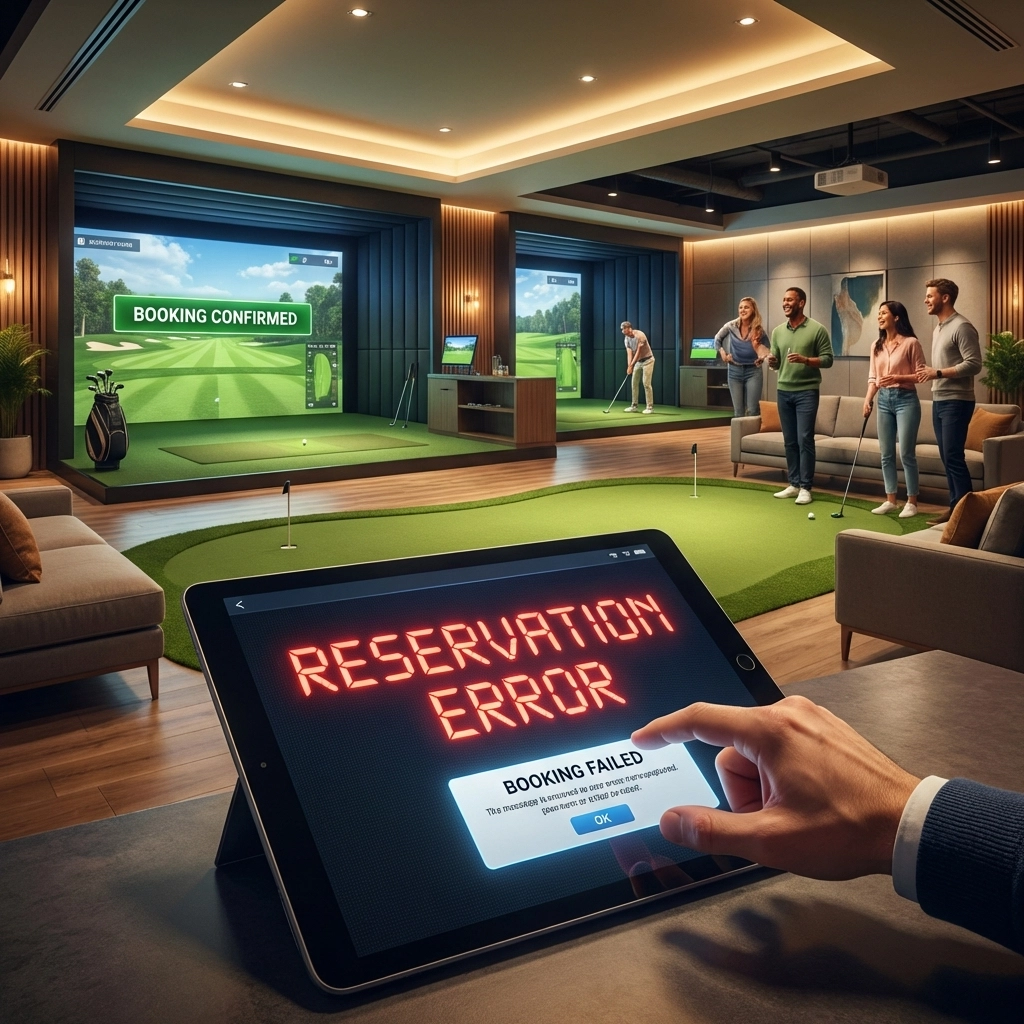
Running an indoor golf simulator facility sounds straightforward. Customers book time, they show up, they play, they pay. Simple.
Except it rarely works that way.
Most facility owners we talk to are losing thousands of dollars every month to booking inefficiencies they don't even know exist. Double bookings. No-shows. Awkward gaps in the schedule. Payment headaches. The list goes on.
The good news? These problems are fixable. Here are ten reasons your indoor golf booking system isn't working: and exactly how to solve each one.
1. You're Still Relying on Manual Scheduling
Phone calls. Spreadsheets. Walk-ins. Sticky notes on the counter.
If this sounds familiar, you're not alone. Many facility owners started this way and never upgraded. The problem is that manual scheduling creates confusion. Double bookings happen. Time slots get lost. Staff members have conflicting information.
How to fix it: Switch to an automated online booking platform where customers can see real-time simulator availability and book instantly. No phone tag. No human error. Customers get confirmation immediately, and your schedule stays accurate.
2. Your No-Show Rate Is Eating Your Revenue
Industry data suggests no-show rates can hit 15-20% without proper systems in place. Let's do the math: if you have 8 simulators charging $50 per hour and experience just a 10% no-show rate, you're looking at over $10,000 in lost revenue every single month.
That's money walking out the door for time slots you could have filled.

How to fix it: Implement two things immediately. First, send automated reminders via SMS and email 24 hours and 2 hours before each booking. Second, require a deposit or card hold at booking time. When customers have skin in the game, they show up.
3. "Swiss Cheese Scheduling" Is Killing Your Capacity
Look at your schedule right now. See those 30-45 minute gaps scattered throughout the day? They're too short for a standard booking but too long to ignore. Collectively, these gaps represent thousands in lost monthly revenue.
Most facilities operate at just 65-70% capacity because of this scheduling inefficiency. That means nearly a third of your potential revenue is slipping through the cracks.
How to fix it: Use a booking system with intelligent gap management. The right software will suggest optimal time slots to customers, encourage back-to-back bookings, and automatically adjust availability to minimize dead space in your schedule.
4. Your Payment Process Creates Friction
Handling cash at checkout. Sending invoices manually. Chasing down payments after the fact. These outdated approaches slow operations and create errors.
Worse, they create friction for your customers. Every extra step between "I want to book" and "I'm confirmed" is an opportunity for them to abandon the process.
How to fix it: Integrate Stripe directly into your booking system for seamless online payments. Customers pay when they book. Invoices and receipts generate automatically. Refunds process with a click. No more awkward conversations at the counter.

5. Your Confirmation and Reminder System Is Weak (or Nonexistent)
A booking without a confirmation is a booking waiting to go wrong. Customers forget. They write down the wrong time. They think they booked for Saturday when they actually selected Sunday.
Without automated confirmations and reminders, you're relying on your customers' memory. That's a losing bet.
How to fix it: Set up automatic confirmation emails the moment a booking is made. Include all the details: date, time, simulator number, what to bring. Then schedule reminder messages 24 hours and 2 hours before. Some systems even allow customers to confirm, reschedule, or cancel directly from the reminder.
6. Your Check-In Flow Is Clunky
The customer arrives. They wait at the counter while staff searches for their reservation. Someone needs to process payment. Another person needs to assign them a simulator. Meanwhile, a line forms behind them.
A slow check-in experience frustrates customers and backs up your entire operation.
How to fix it: Streamline check-in with a system that shows all upcoming bookings at a glance. If payment was collected at booking, check-in becomes a quick verification. Some facilities use self-service kiosks or QR codes that customers scan on arrival. The goal: get people from the door to the simulator in under two minutes.
7. You Don't Control Booking Rules (So Customers Create Chaos)
If customers can book any start time, any duration, and any spacing between reservations, your schedule gets messy fast. You end up with odd gaps, last-minute shuffles, and staff constantly trying to “make it work.”
This usually shows up as 30-minute bookings jammed next to 2-hour blocks, or bookings that start at weird times that don’t match how your facility actually runs.
How to fix it: Set clear booking rules in your simulator booking system: allowed durations (ex: 60/90/120 minutes), start-time increments (ex: every 15 minutes), buffer time between reservations for resets/cleaning, and limits on how far in advance customers can book. When the software enforces the rules automatically, your schedule stays clean and your operation runs smoother.
8. You Don't Offer Unlimited Booking Plans
Your best customers want to play frequently. If the only option is pay-per-session, you're leaving money on the table and giving those loyal customers a reason to look elsewhere.
Membership and unlimited booking plans create predictable recurring revenue and lock in customer loyalty.
How to fix it: Offer month-to-month unlimited booking plans through your system. Members get priority booking or discounted rates. Your booking software should recognize members automatically, apply the correct pricing, and manage their access without manual intervention.
9. You Lack Visibility Into Your Business Performance
How many bookings did you have last Tuesday? What's your average booking value? Which time slots consistently go unfilled? What's your cancellation rate?
If you can't answer these questions quickly, you're flying blind. You're making decisions based on gut feeling instead of data.
How to fix it: Use a booking system with built-in analytics. Track revenue trends, identify scheduling inefficiencies, and spot seasonal patterns. When you know that Wednesday afternoons are always slow, you can run targeted promotions. When you see that 6pm slots book out two weeks in advance, you can consider raising prices during peak times.
10. Your Deposit Policy Has No Teeth
You ask for a card on file but never actually charge for no-shows. Or you require deposits for some bookings but not others. Inconsistency breeds abuse.
Customers figure out quickly that there's no real consequence for missing their reservation. And once that word spreads, your no-show problem gets worse.
How to fix it: Implement a clear, enforced deposit policy. Communicate it at booking time. Charge a percentage upfront or place a hold on the card. If a customer no-shows without proper cancellation, apply the charge. Be consistent. Your serious customers will understand, and the unreliable ones will either shape up or go elsewhere.

The Bottom Line
Most indoor golf booking problems stem from one root cause: trying to run a modern facility with outdated systems.
The right golf simulator booking software handles scheduling, payments, confirmations, check-in, memberships, and analytics in one place. It reduces friction for your customers and gives you time back to focus on growing your business instead of managing chaos.
If your current setup isn't delivering on these fronts, it might be time for an upgrade.
The facilities that thrive aren't necessarily the ones with the fanciest simulators or the best location. They're the ones that make booking easy, show-up rates high, and schedules full.
Primary next step: If you want to tighten up your schedule and stop leaking revenue, start with Simulator Booking from GolfTech Management—real-time online scheduling, Stripe payments, and automated confirmations built for indoor golf facilities (no complicated multi-location setup).
Secondary add-on: Once your day-to-day booking is running smoothly, you can layer in Outing Management to handle registrations, payments, updates, and check-ins for events and group outings.